By Dr. Jay Jay Billings
I’ve been doing more Android development lately, which has reminded me of my love of custom ROMs. It is always a good idea to test any OS in a virtual machine prior to installation. This builds familiarity with the process and lowers the likelihood of unexpected surprises over basic things.
I build LineageOS (and CyanogenMod before it) from scratch every other year or so. Here’s the basic process for building a ROM for the official Android emulator. Note that this build will not work on actual mobile hardware, but it will work in Android Studio for development.
Building the Image
The LineageOS build for an emulator ROM is pretty straightforward from the instructions on their wiki. I won’t reproduce that text here. Instead, I describe the errata and work around their wikirot. It takes far longer to download all the source code needed for the build than to actually build it on a modern dev box with fast internet.
If you are not using Ubuntu or another Debian-based distro, you can ask an LLM to translate the list of packages you’ll need to satisfy your package manager. On Fedora 43, the packages can be installed with:
$ sudo dnf install bc bison make gcc gcc-c++ glibc-devel.i686 libstdc++-devel.i686 \
ccache curl flex git git-lfs gnupg2 gperf ImageMagick protobuf-compiler \
python3-protobuf readline-devel.i686 zlib-devel.i686 elfutils-devel \
elfutils-libelf-devel gnutls-devel lz4 SDL-devel openssl-devel libxml2 \
lzop pngcrush rsync schedtool squashfs-tools libxslt xxd zip zlib-devel
For building LineageOS 21 and above for emulation on an x86_64 machine, the breakfast command is
$ breakfast sdk_phone_x86_64
After running mka and mka emu_img_zip (for LineageOS 21 and above), you can run the image in Android Studio. The emulator image, which is in an archive called sdk-repo-linux-system-images.zip, needs to be extracted in the Android SDK system-images directory. If your Android SDK is in ~/android/sdk and the Lineage build is set to SDK 36, then the directory structure is ~/android/sdk/system-images/android-36/lineage/x86_64/ and the file should be unzipped in the x86_64 directory.
Adding package.xml for Android Studio
In addition to expanding the emulator image in this directory, Android Studio and avd require (since Android 14) an additional XML file called package.xml. Here’s a working example for the directory structure described previously:
<?xml version="1.0" encoding="UTF-8" standalone="yes"?>
<ns2:repository xmlns:ns2="http://schemas.android.com/repository/android/common/01" xmlns:ns3="http://schemas.android.com/repository/android/generic/01" xmlns:ns4="http://schemas.android.com/sdk/android/repo/addon2/01" xmlns:ns5="http://schemas.android.com/sdk/android/repo/repository2/01" xmlns:ns6="http://schemas.android.com/sdk/android/repo/sys-img2/01">
    <license id="android-sdk-license" type="text"/>
    <!-- Modify the path to match the filesystem layout in system-images -->
    <localPackage path="system-images;android-36;lineage;x86_64" obsolete="false">
        <type-details xmlns:xsi="http://www.w3.org/2001/XMLSchema-instance" xsi:type="ns6:sysImgDetailsType">
            <!-- Set the API level to the match the LineageOS repo, which is currently 36. -->
            <api-level>36</api-level>
            <tag>
                <!-- Standard lineage tag and display -->
                <id>lineage</id>
                <display>LineageOS</display>
            </tag>
            <!-- Should be x86_64 unless you build on an arm device -->
            <abi>x86_64</abi>
        </type-details>
        <revision>
            <major>1</major>
        </revision>
        <!-- Label for Android Studio, etc. -->
        <display-name>LineageOS 23 System Image</display-name>
    </localPackage>
</ns2:repository>
Results
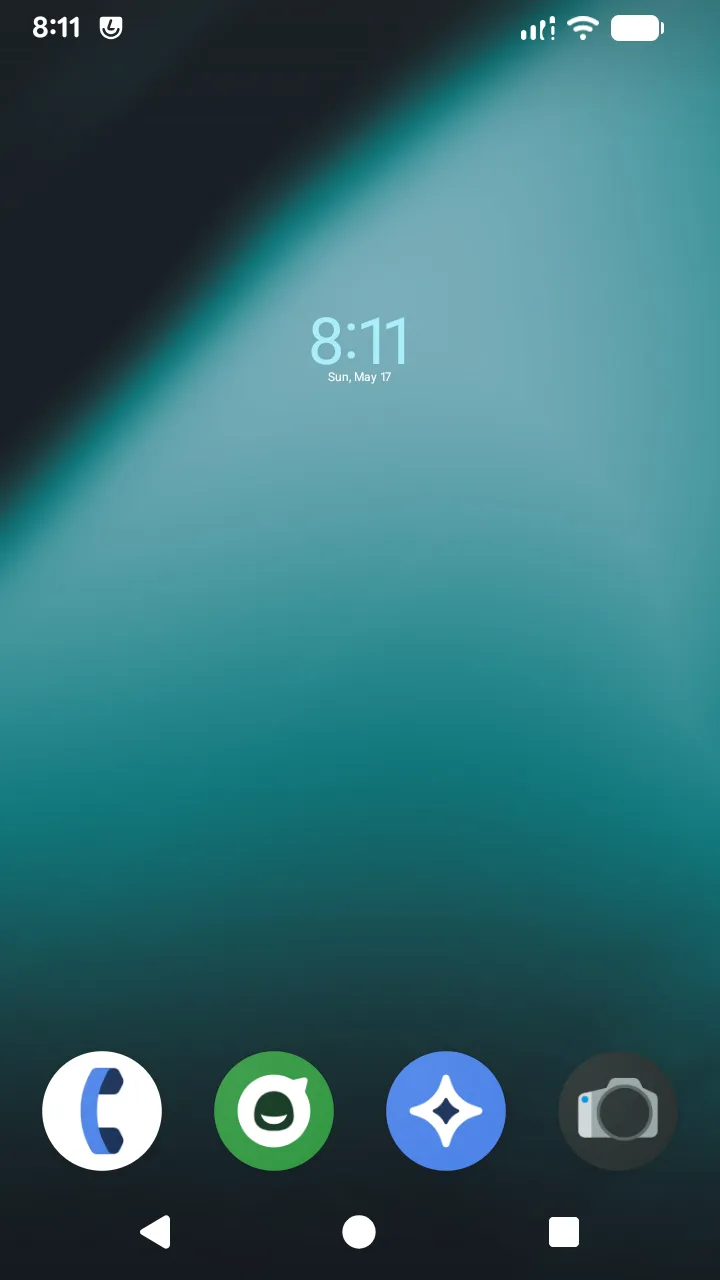
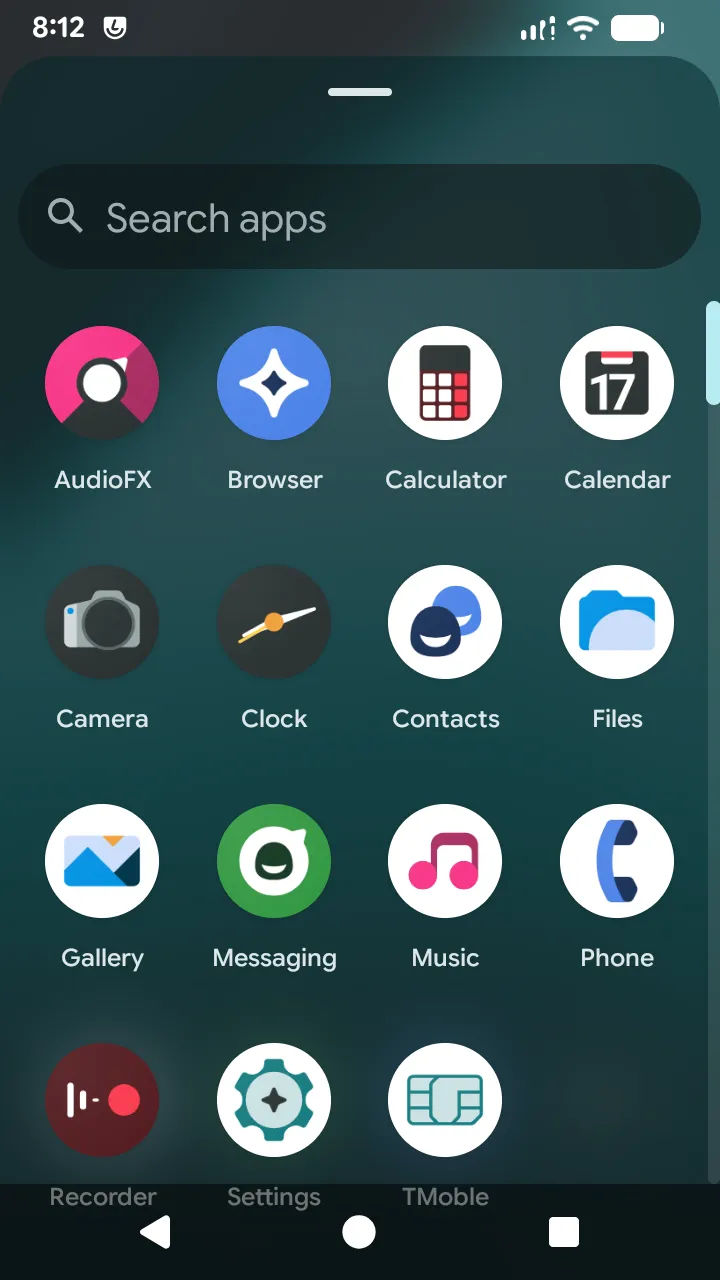
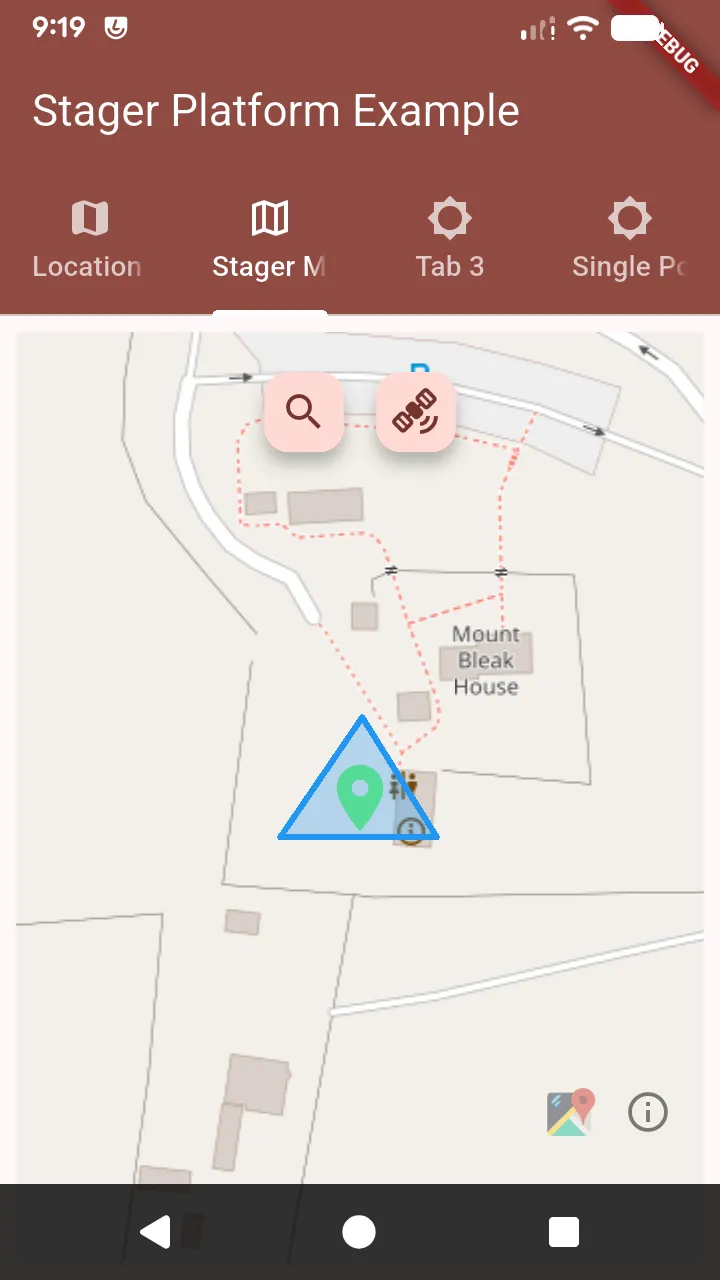
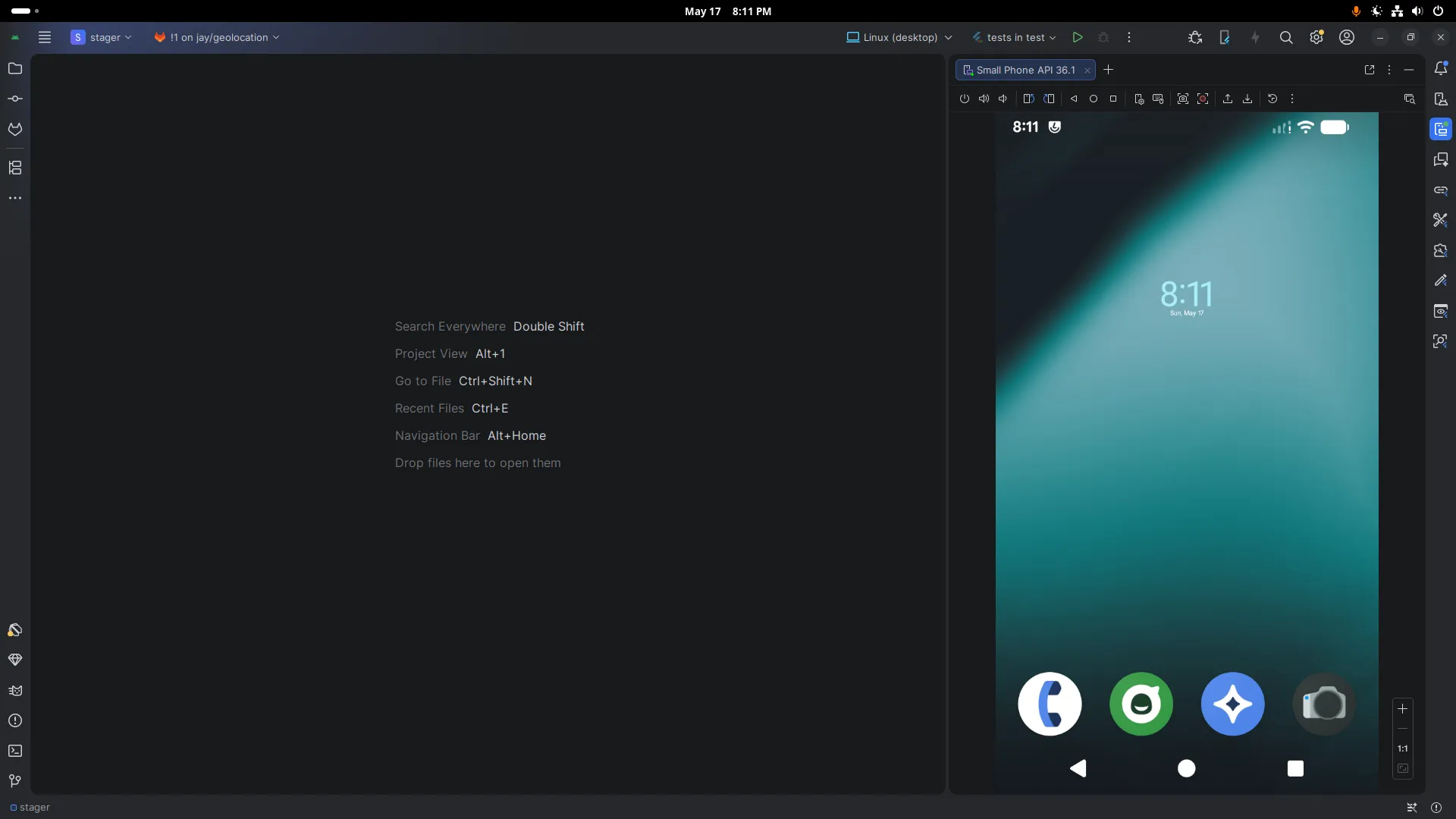
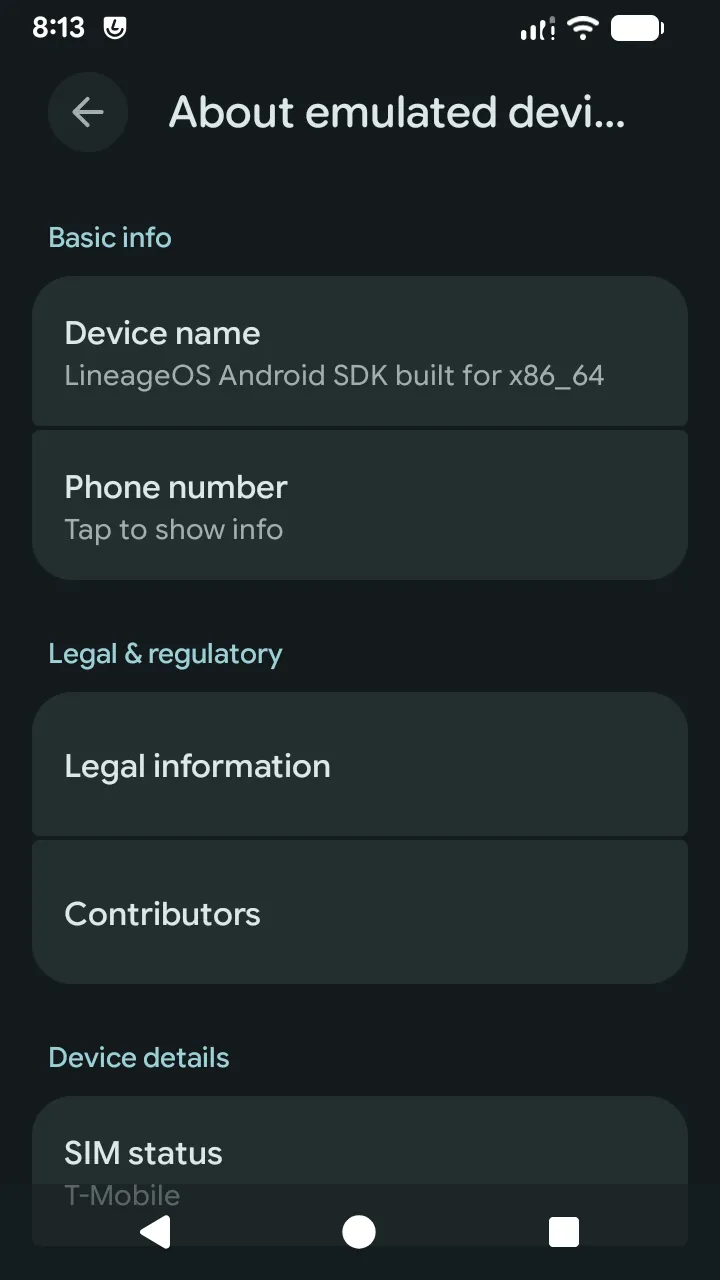
And here are the results! The new ROM will load in Android Studio like any other ROM. It runs the example from Band Gap’s Stager Platform, which we use to build Tracee, just as well as the standard ROMs too! Have a look at the images below and reach out if you have any questions.